Presentations · .pptx
PowerPoint decks, ready to present.
Open any .pptx, edit it, add tables and charts, and present with your notes on your own screen. Then send it back as PowerPoint.
Your download has started
RR Universal Office for Android comes from this site rather than the Play Store, so Android asks once whether your browser may install apps. That’s normal for any app installed from a website, not a sign that anything is wrong with it. The screens differ a little between phones.
- Install unknown appsFor your security, your phone currently isn’t allowed to install unknown apps from this source.CancelSettings
Open RR-Universal-Office.apk. If Android shows this, tap Settings.
- Install unknown appsChromeAllow from this source
Turn on Allow from this source, then go back.
- RR Universal OfficeDo you want to install this app?CancelInstall
Tap Install. If Play Protect warns about an app it hasn’t scanned, tap More details › Install anyway.
Then open the app: the samples are ready to try, and Buy in the app buys the licence for that phone here on the site.
For a new version later, download it again from this page and install it over the old one: your files and licence stay. Needs Android 7 or later.
Free for 7 daysthen $10 once, for life on one device · every part included · no card needed to try
- Real .pptx in and out
- Presenter view
- Themes, tables, charts
- About 5 MB on Mac, about 6 MB on Android
- Free for 7 days
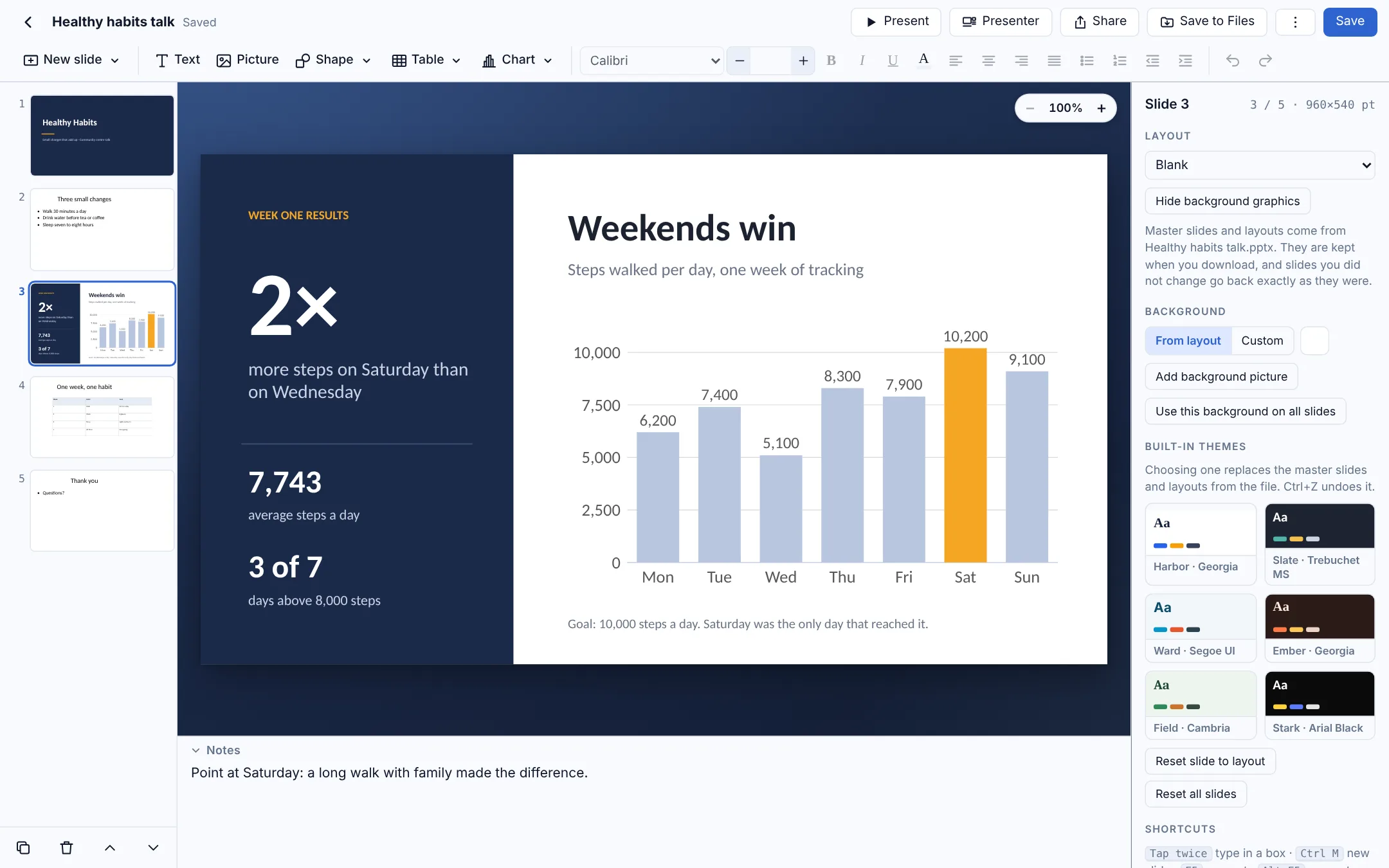
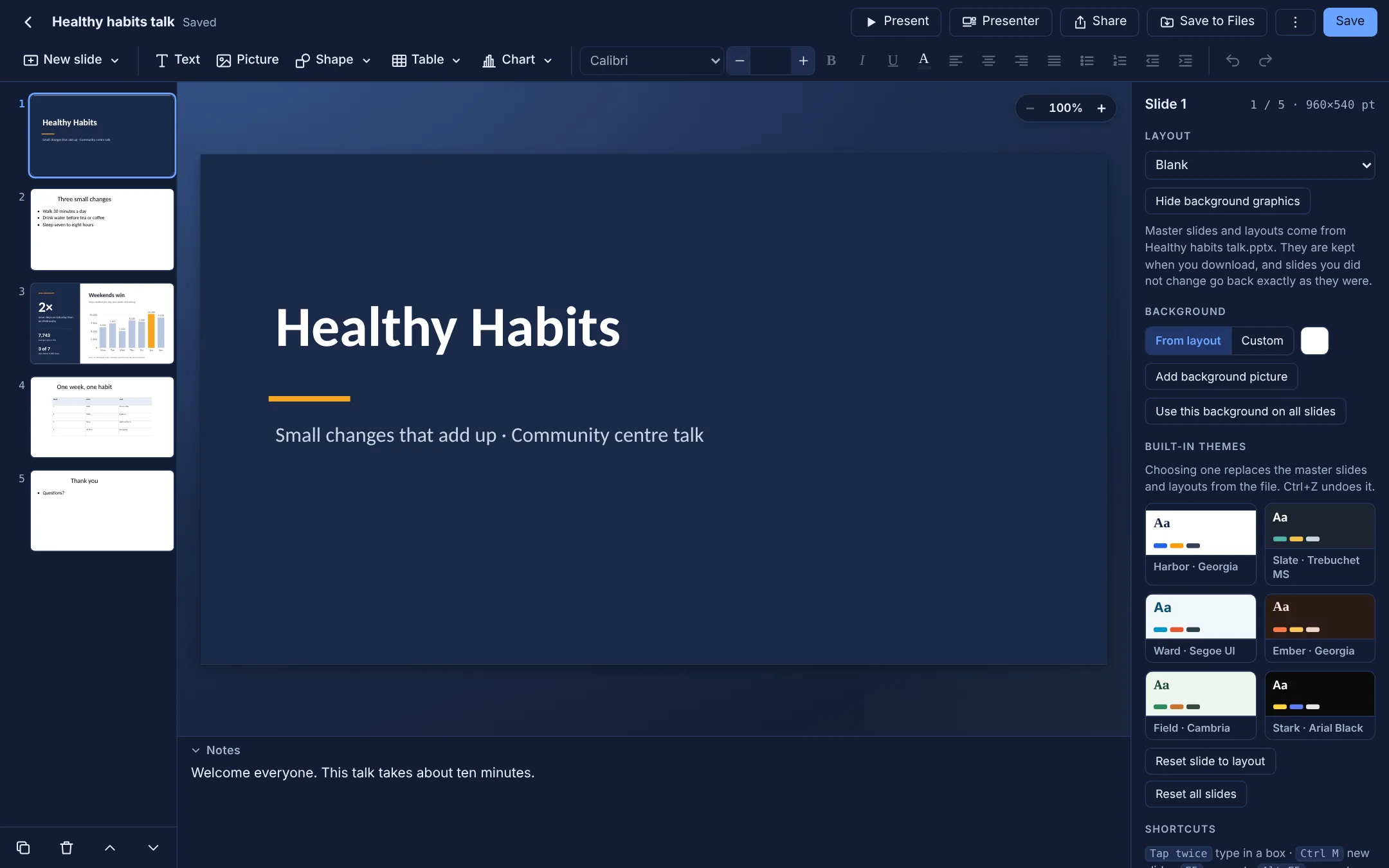
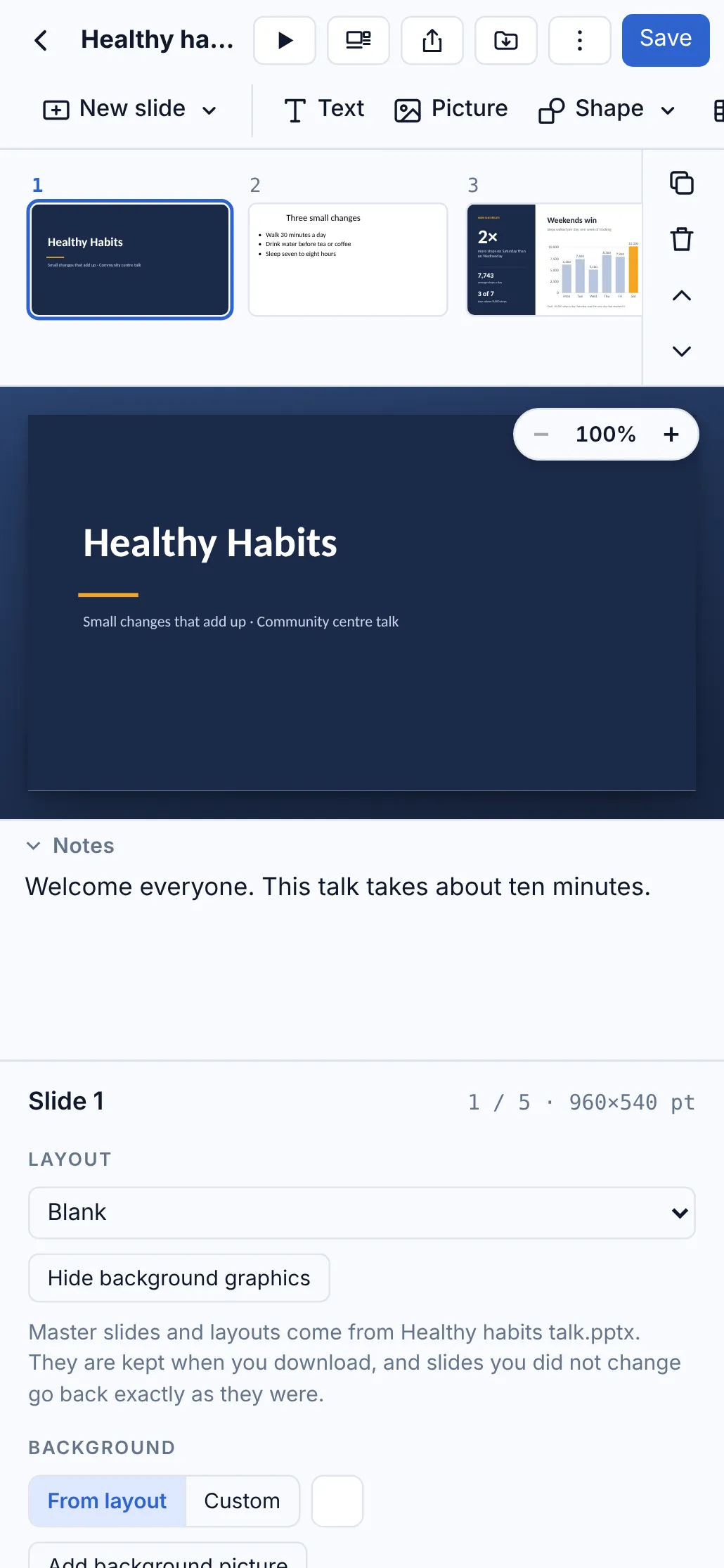
Make the slides, then give the talk
Everything for building a deck and presenting it, in a window that opens in a moment.
Real PowerPoint files
Open .pptx files, edit them, and save back as .pptx that opens in Microsoft PowerPoint.
Tables and charts
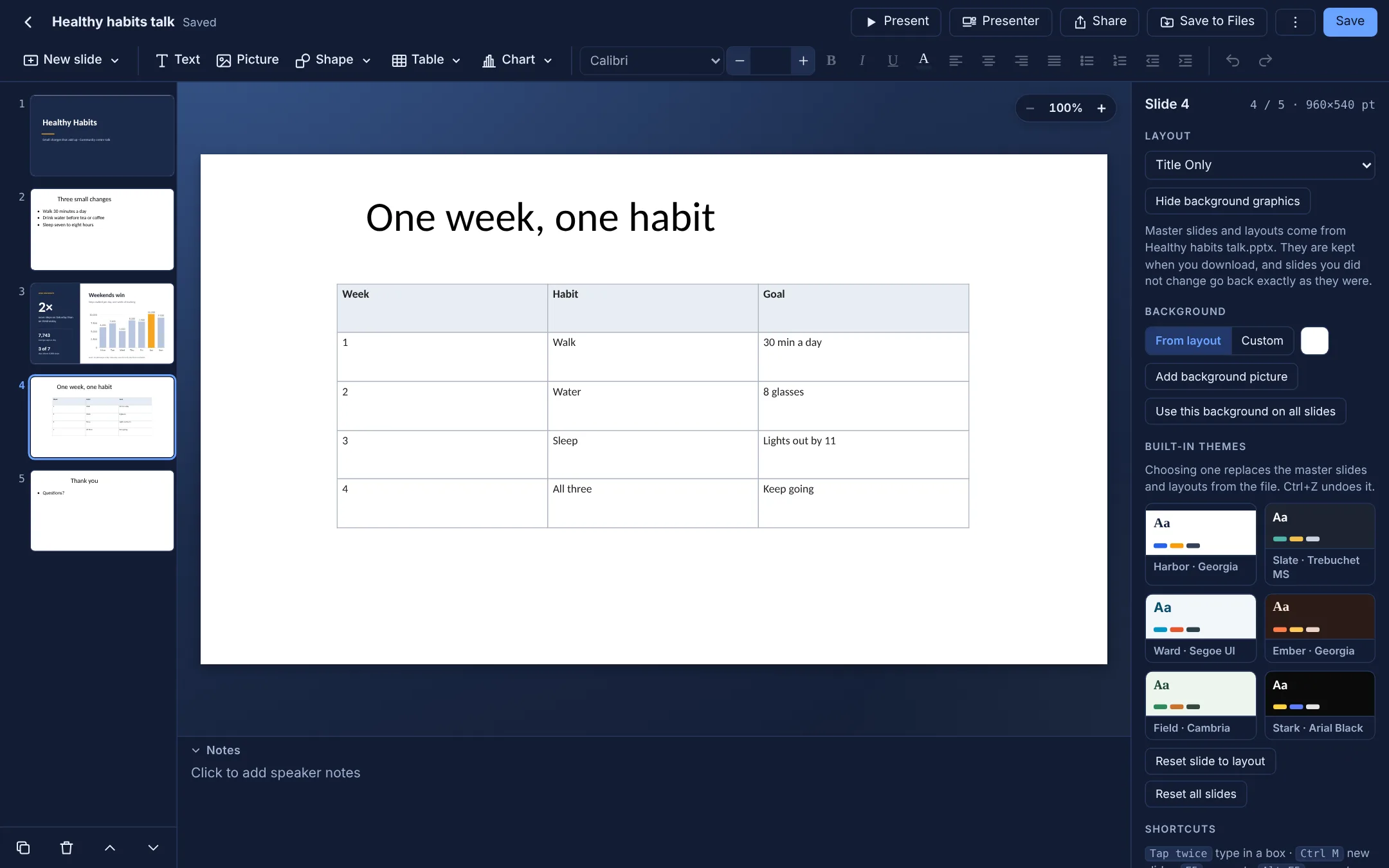
Tables you can type in or paste from a spreadsheet, and column, bar, line, area, pie and doughnut charts.
Histograms in seconds
Paste a plain list of numbers and get a histogram, saved as a real chart that stays editable in PowerPoint.
Presenter view
The projector shows only the slides while your screen shows your notes, the next slide and a timer.
Themes and backgrounds
Built-in themes, background colours and pictures, on one slide or all of them.
Export as PDF
One sharp page per slide, ready to email or print.
Keeps your files intact
Masters, layouts, themes, notes, charts, tables and SmartArt are kept, and untouched slides are saved exactly as they were.
Private and offline
Presentations stay on your device. Nothing is uploaded, no sign-in.
See it
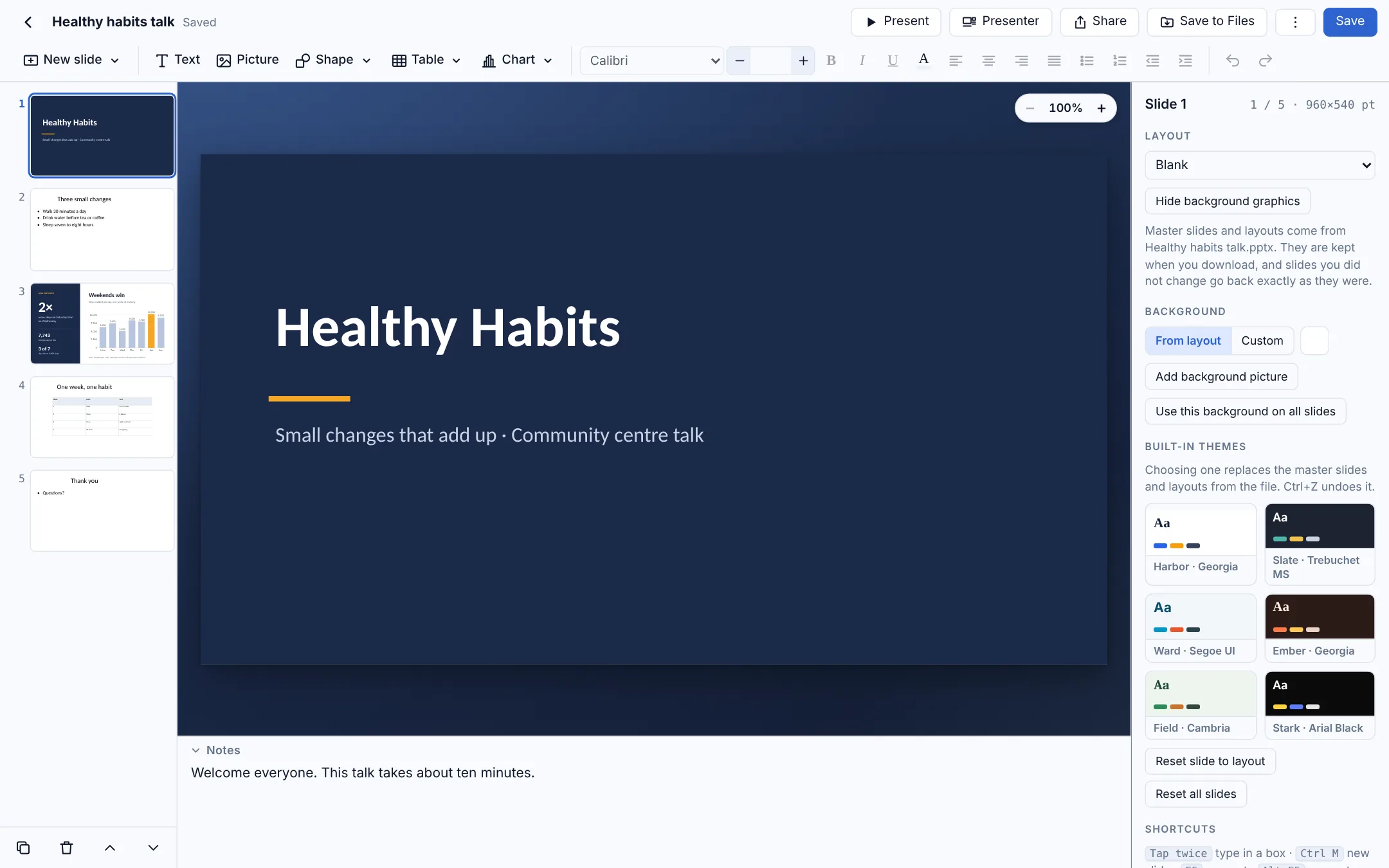
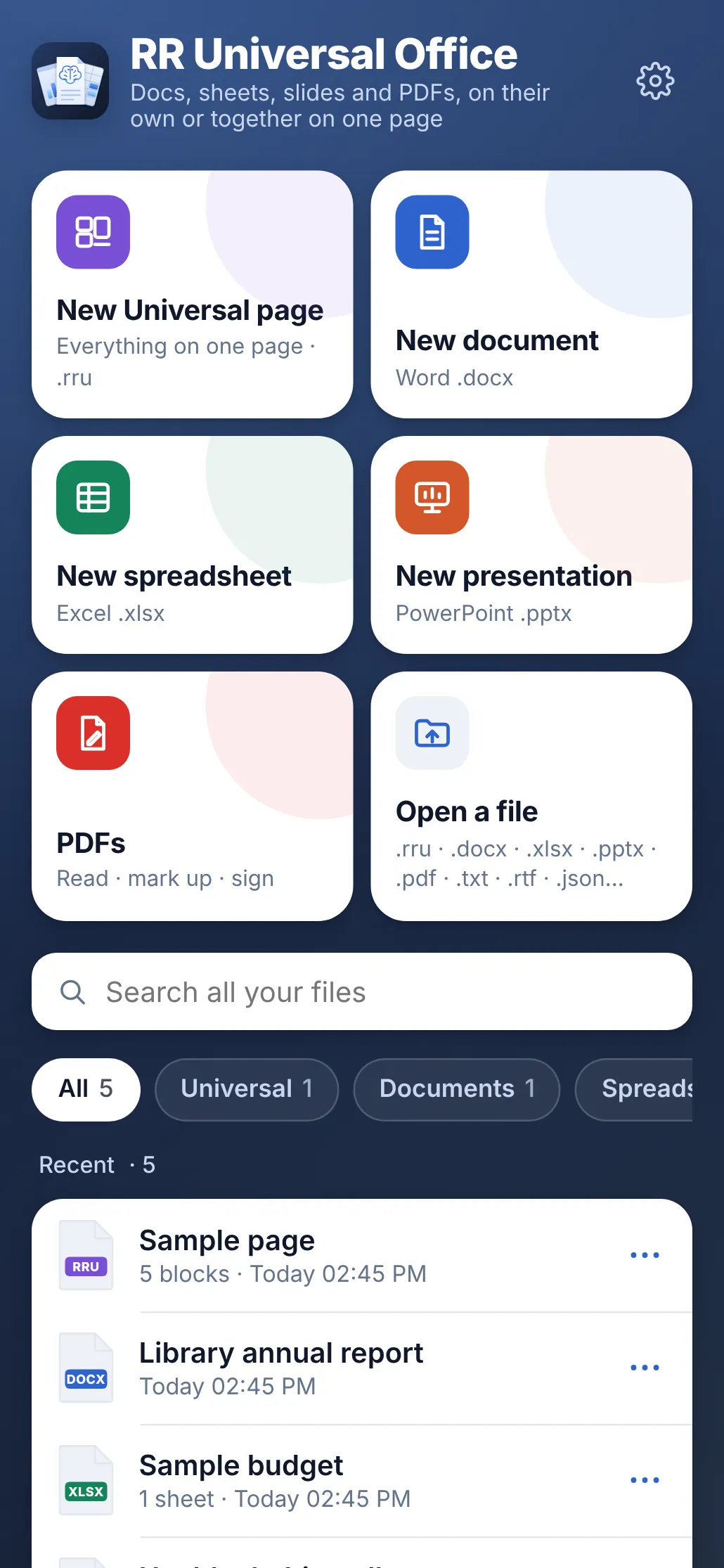
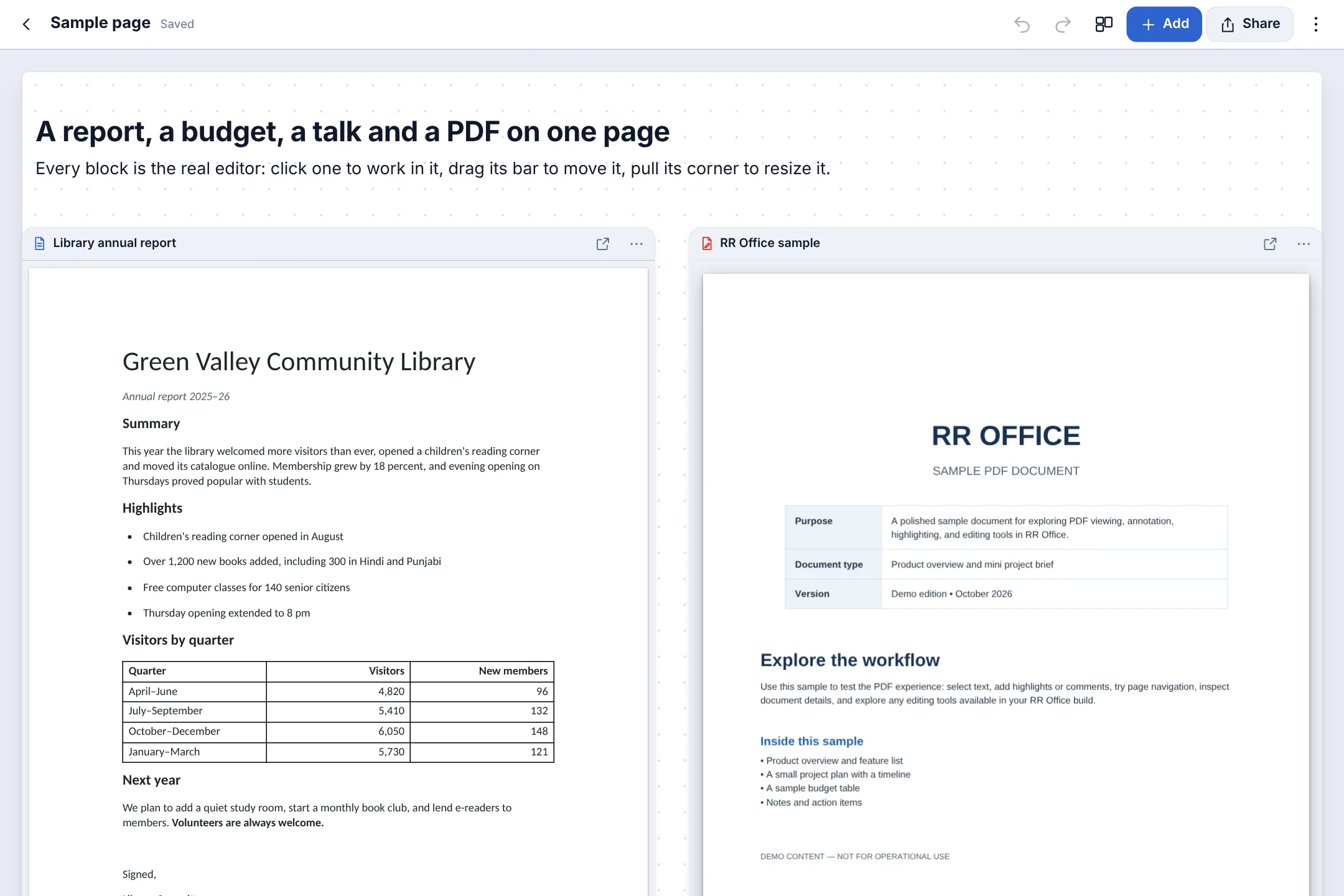
The samples it comes with, as they look on your Mac, PC or Android phone. Switch between them.

Universal pages
Presentations that sit next to everything else
Put a presentation on a Universal page beside your other documents, spreadsheets, slides and PDFs, every one editable where it sits, and keep the whole page as one small .rru file.
See Universal pagesHow it compares
Good apps, all of them. Here is where RR Universal Office is different.
| Feature | RR Universal Office | Microsoft PowerPoint | Apple Keynote | Google Slides |
|---|---|---|---|---|
| Price | $10 once, everything included | Microsoft 365 yearly, or Office Home once | Free | Free |
| Opens and saves .pptx | Yes | Yes | Imports and exports | Imports and exports |
| Presenter view with notes | Yes | Yes | Yes | Yes |
| Mac, Windows and Android | Yes | Yes | Mac only | In a web browser |
| No account needed | Yes | Microsoft account | Yes | Google account |
| On one page with documents, sheets and PDFs | Yes | No | No | No |
From each company’s own pages, October 2026. Prices and features change; check theirs. Names are trademarks of their owners; RR Universal Office is not affiliated with them.
One price. Everything. For life.
Download it and use everything free for 7 days, then buy from inside the app when you're ready.
Lifetime licence
$10once
For one Mac, Windows PC or Android phone · free for 7 days first
Includes
- Universal pages
- Documents
- Spreadsheets
- Presentations
- PDFs
- Free for 7 days: every feature, no card needed
- Updates included
- No subscription, no account
- UPI, cards and netbanking in India; PayPal and cards everywhere else
- Full refund within 7 days
Questions and answers
Can I present on a projector or TV?
Yes. Choose Play in presenter view: the second screen shows only the slides, and yours shows the notes, the next slide and a timer.
Can I send it as a PDF?
Yes. Export the deck as a PDF with one sharp page per slide, ready to email or print.
Is this a separate app?
No. Documents, spreadsheets, presentations, PDFs and Universal pages are all part of RR Universal Office. One licence opens every one of them.
Can I try it first?
Yes. Everything works, free, for 7 days from the first time you open it on each device, with no card and no account. After that the app asks you to buy: your files stay and can still be opened, and buying lets you change, make, save, share and print them again.
What do I need to run it?
A Mac with macOS 12 Monterey or later, or a PC with Windows 10 or 11, or an Android phone or tablet with Android 7 or later.
Android says it can't install unknown apps, or Play Protect warns me. Is it safe?
Yes. Android asks this for any app installed from a website instead of the Play Store. Tap Settings, turn on Allow from this source for your browser, go back and tap Install. If Play Protect says it hasn’t scanned the app, tap More details, then Install anyway. The app keeps your files on your phone and only contacts this site to check its licence.

Open your next presentation here.
Free for 7 days, then $10 once, for life on one device. About 5 MB on Mac, about 6 MB on Android.