PDFs · .pdf
Mark up, sign and sort your PDFs.
Highlight and comment, fill in and sign forms, and reorder, rotate, crop, merge and split pages. The PDF tools you need, without another subscription.
Your download has started
RR Universal Office for Android comes from this site rather than the Play Store, so Android asks once whether your browser may install apps. That’s normal for any app installed from a website, not a sign that anything is wrong with it. The screens differ a little between phones.
- Install unknown appsFor your security, your phone currently isn’t allowed to install unknown apps from this source.CancelSettings
Open RR-Universal-Office.apk. If Android shows this, tap Settings.
- Install unknown appsChromeAllow from this source
Turn on Allow from this source, then go back.
- RR Universal OfficeDo you want to install this app?CancelInstall
Tap Install. If Play Protect warns about an app it hasn’t scanned, tap More details › Install anyway.
Then open the app: the samples are ready to try, and Buy in the app buys the licence for that phone here on the site.
For a new version later, download it again from this page and install it over the old one: your files and licence stay. Needs Android 7 or later.
Free for 7 daysthen $10 once, for life on one device · every part included · no card needed to try
- Sign and fill forms
- Merge, split, reorder
- Photos to PDF
- About 5 MB on Mac, about 6 MB on Android
- Free for 7 days
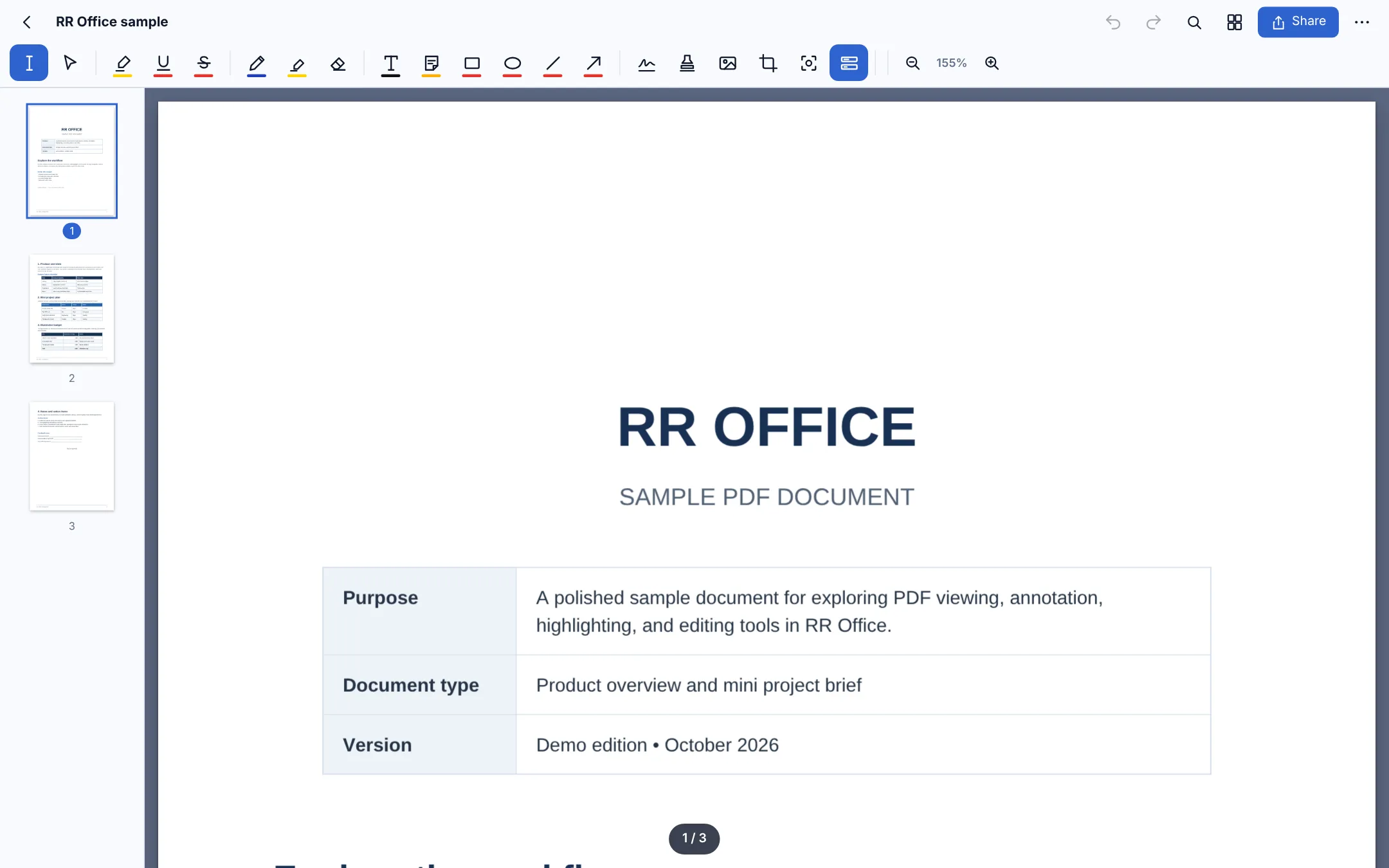
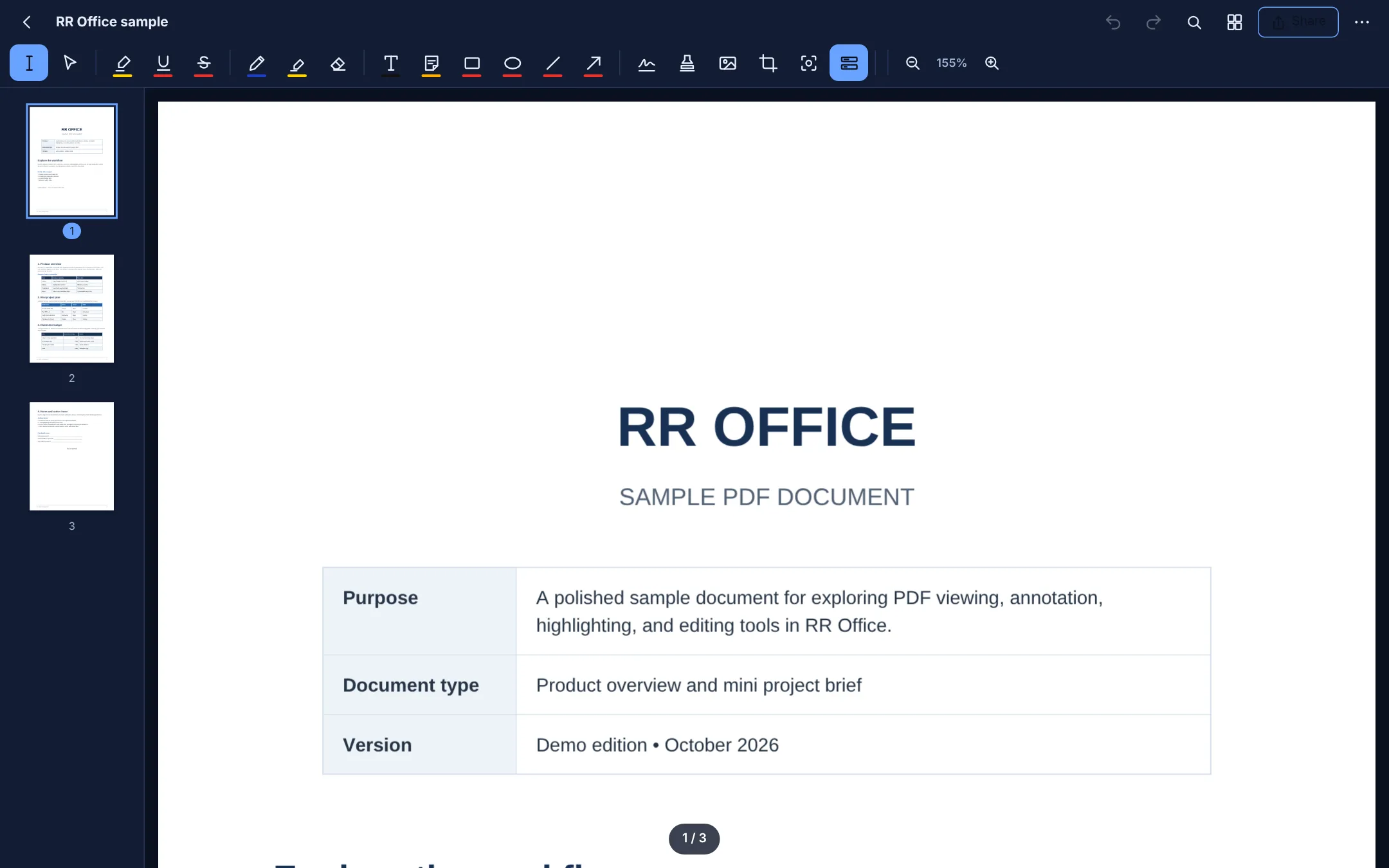
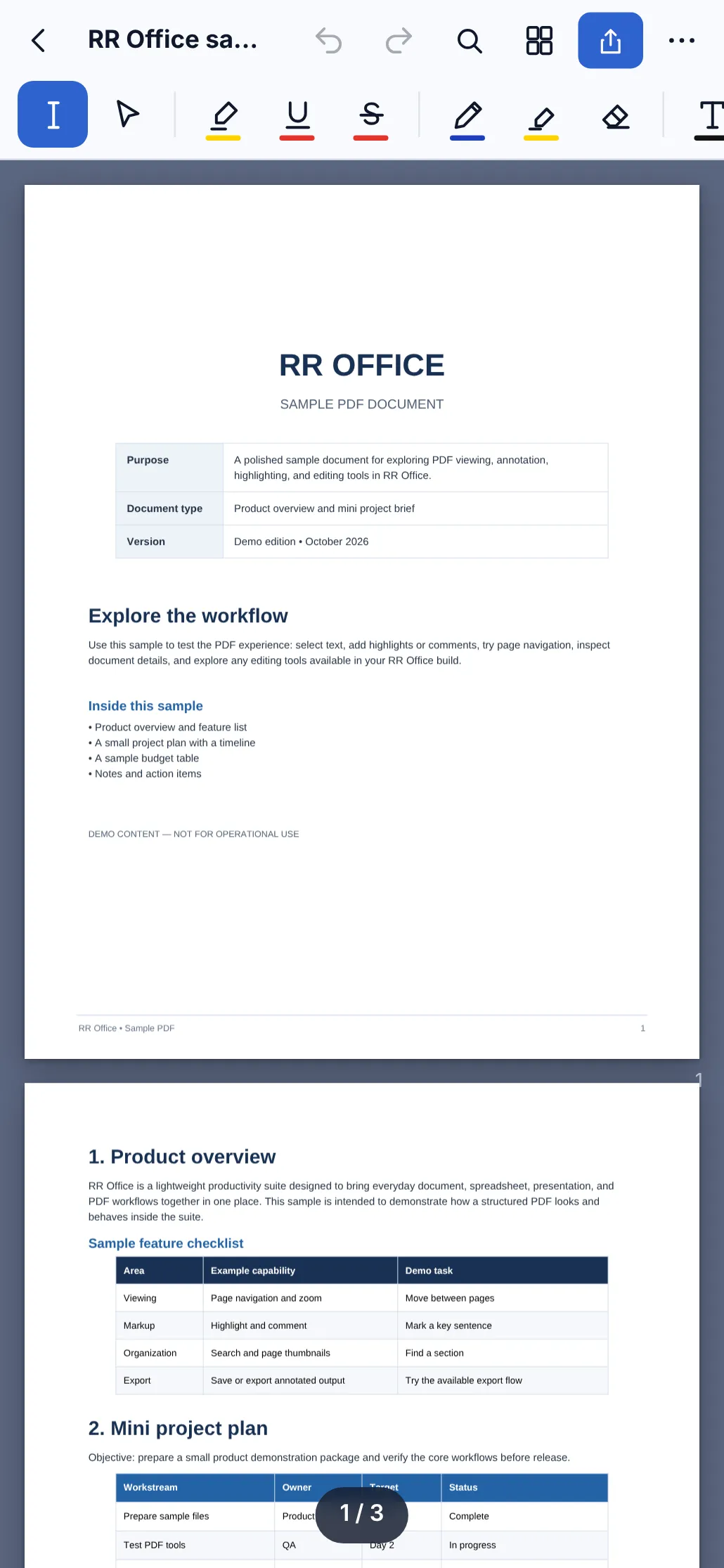
Every PDF job that lands on your desk
Review a contract, sign a form, put scanned pages in order and send one tidy file back.
Highlight and comment
Highlight, underline and strike through text, add sticky notes and text boxes, and draw with a pen or marker.
Shapes and stamps
Lines, arrows, rectangles and ellipses, ready-made stamps, and a stamp of your own.
Sign and fill in
Sign anywhere on the page and fill in the form fields a PDF already has.
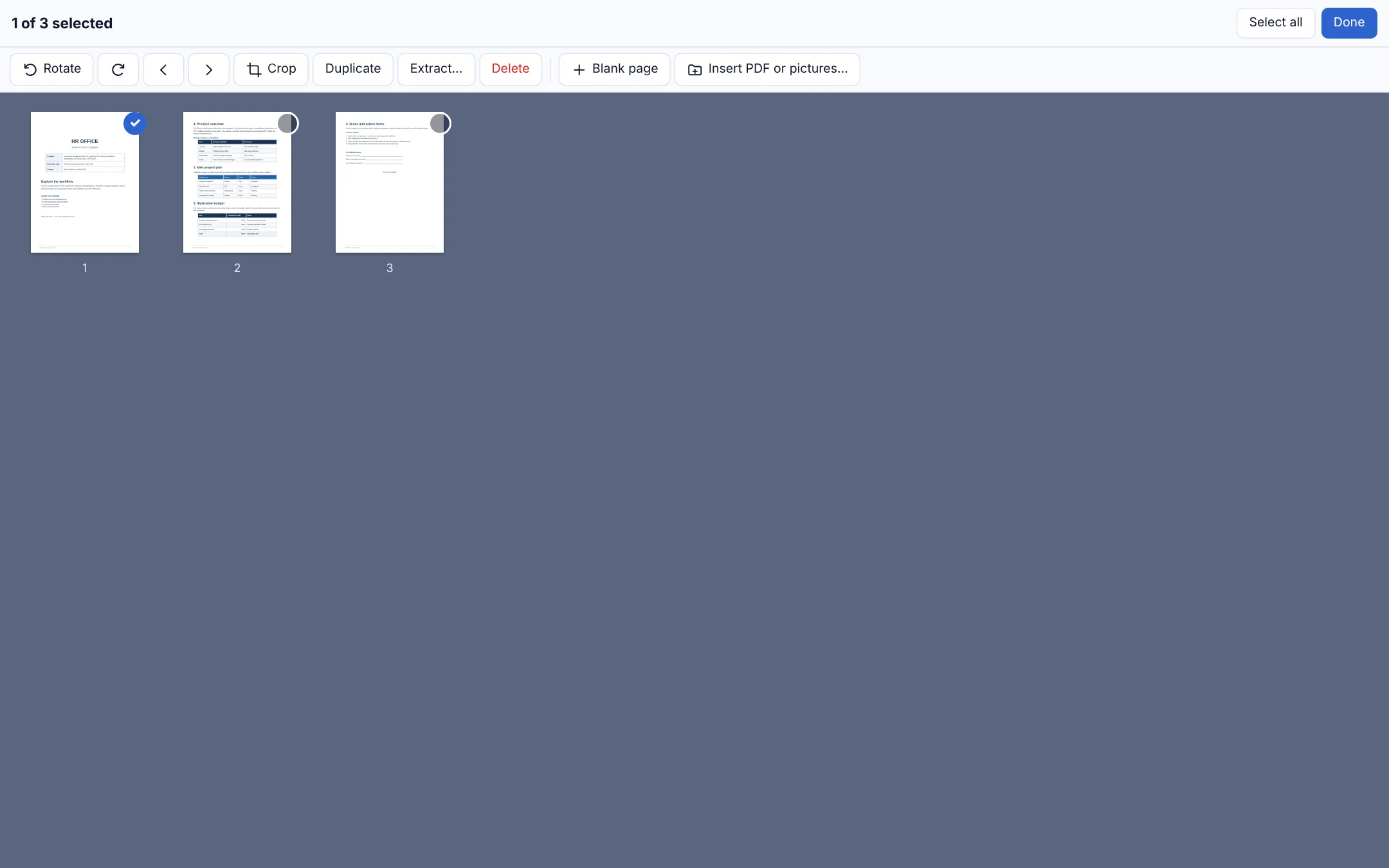
Organise pages
Reorder, rotate, duplicate, delete and crop pages, insert blank pages, and extract the ones you need.
Merge and insert
Merge several PDFs into one, or insert another PDF or pictures between pages.
Photos to PDF
Turn photos or scans into one PDF, in the order you choose.
Search and read
Find any word, zoom to fit, and open password-protected PDFs.
Private and offline
PDFs stay on your device. Nothing is uploaded, no sign-in.
See it
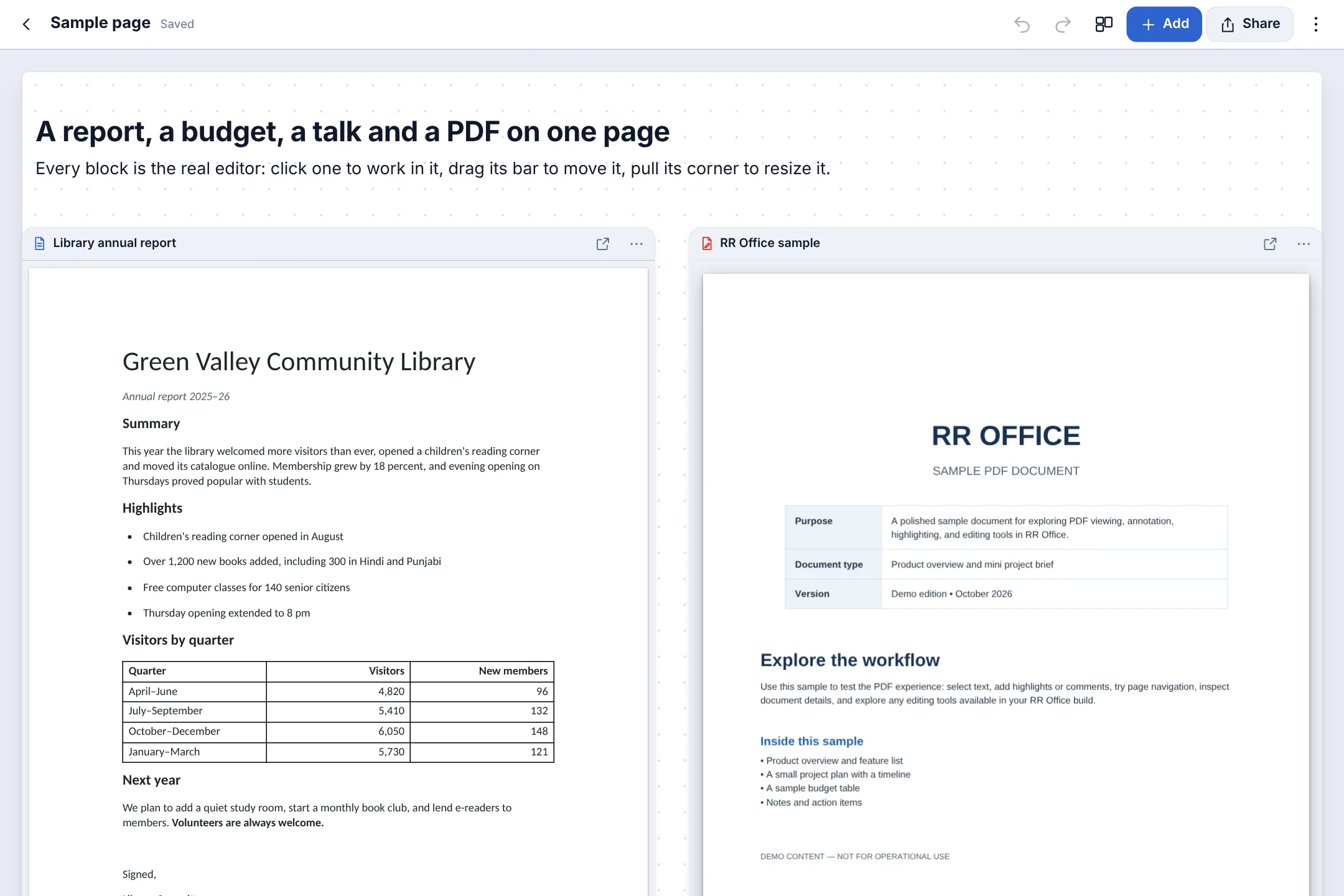
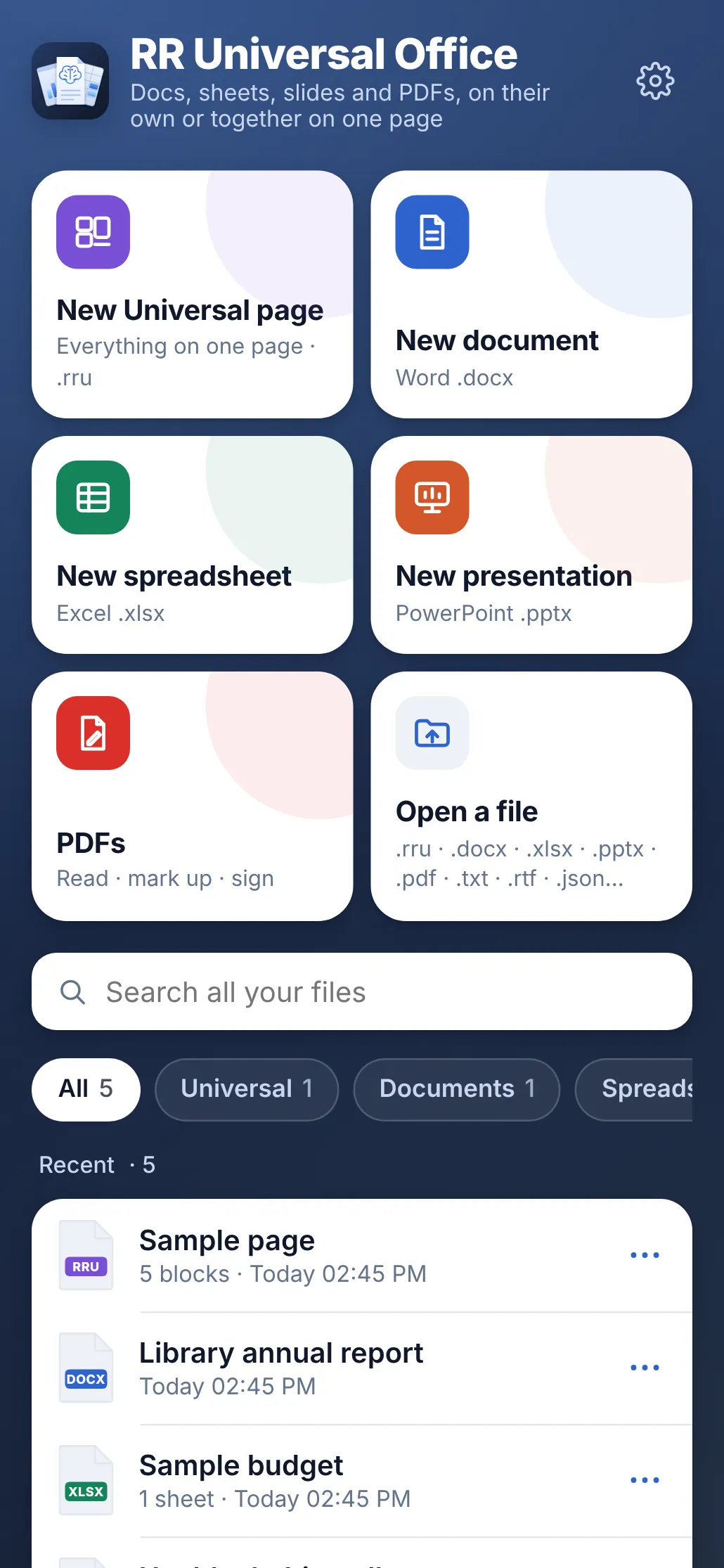
The samples it comes with, as they look on your Mac, PC or Android phone. Switch between them.

Universal pages
PDFs that sit next to everything else
Put a PDF on a Universal page beside your other documents, spreadsheets, slides and PDFs, every one editable where it sits, and keep the whole page as one small .rru file.
See Universal pagesHow it compares
Good apps, all of them. Here is where RR Universal Office is different.
| Feature | RR Universal Office | Adobe Acrobat | Apple Preview | Microsoft Edge |
|---|---|---|---|---|
| Price | $10 once, everything included | Free reader; editing is a yearly plan | Free, Mac only | Free |
| Highlight, notes and drawing | Yes | Yes | Yes | Yes |
| Sign and fill in forms | Yes | Yes | Yes | Basic |
| Reorder, merge and split pages | Yes | Paid plan | Yes | No |
| Mac, Windows and Android | Yes | Yes | Mac only | Yes |
| On one page with documents, sheets and slides | Yes | No | No | No |
From each company’s own pages, October 2026. Prices and features change; check theirs. Names are trademarks of their owners; RR Universal Office is not affiliated with them.
One price. Everything. For life.
Download it and use everything free for 7 days, then buy from inside the app when you're ready.
Lifetime licence
$10once
For one Mac, Windows PC or Android phone · free for 7 days first
Includes
- Universal pages
- Documents
- Spreadsheets
- Presentations
- PDFs
- Free for 7 days: every feature, no card needed
- Updates included
- No subscription, no account
- UPI, cards and netbanking in India; PayPal and cards everywhere else
- Full refund within 7 days
Questions and answers
Can I change the text already in a PDF?
Not the original text: you can add your own text boxes, notes, highlights and signatures on top, and organise the pages.
Will others see my highlights and signature?
Yes. They are saved into the PDF, so they show in Acrobat, Preview, browsers and phones.
Is this a separate app?
No. Documents, spreadsheets, presentations, PDFs and Universal pages are all part of RR Universal Office. One licence opens every one of them.
Can I try it first?
Yes. Everything works, free, for 7 days from the first time you open it on each device, with no card and no account. After that the app asks you to buy: your files stay and can still be opened, and buying lets you change, make, save, share and print them again.
What do I need to run it?
A Mac with macOS 12 Monterey or later, or a PC with Windows 10 or 11, or an Android phone or tablet with Android 7 or later.
Android says it can't install unknown apps, or Play Protect warns me. Is it safe?
Yes. Android asks this for any app installed from a website instead of the Play Store. Tap Settings, turn on Allow from this source for your browser, go back and tap Install. If Play Protect says it hasn’t scanned the app, tap More details, then Install anyway. The app keeps your files on your phone and only contacts this site to check its licence.
Open your next PDF here.
Free for 7 days, then $10 once, for life on one device. About 5 MB on Mac, about 6 MB on Android.